
15 Best Game Development Software & Engines for 2026
 Rahul Vij
Updated: June 23
Rahul Vij
Updated: June 23
The definitive comparison of game development engines, from 3D game engines built for AAA studios to the best video game-making software for beginners. Every tool is ranked, priced, and verified for 2026.
Picking the wrong software for game development doesn't just cost you money; in fact, it costs you something more valuable, i.e., time — months and months, sometimes years as well.
We have compiled a list of 15 tools that cover every realistic use case: from photorealistic 3D game engines running on $10,000 workstations to browser-based game development software that runs on a Chromebook. Each entry includes verified 2026 pricing, real shipped titles, and an honest verdict on who it's actually for.
Before diving into the list, here is a quick understanding of choosing the perfect gaming software and engine that suits your project profile.
These are the 2 best video game-making software for beginners on this list. Both use visual event logic, for which no programming is required.
Either gets a working 2D game built without writing a single line of code.
Both are proven, budget-friendly tools for polished indie 2D games.
Either path delivers real 3D power without enterprise licensing costs.
Budget for steeper hardware requirements and a longer onboarding curve.
These 15 tools were shortlisted based on active development status, community size, real shipped titles, platform coverage, and pricing transparency, spanning the full spectrum from AAA 3D engines to no-code beginner tools, verified against 2026 licensing terms.
| # | Tool | Best For | Coding? | 2026 Pricing | Platforms |
|---|---|---|---|---|---|
| 01 | Unity | Cross-platform mobile & indie 3D | Optional (C#) | Free <$200K; Pro $2,310/seat/yr | Mobile, Desktop, Console, VR |
| 02 | Unreal Engine 5 | AAA-quality 3D visuals | Optional (Blueprints/C++) | Free; 5% royalty above $1M | Desktop, Console, VR |
| 03 | Godot | Royalty-free 2D/3D | Optional (GDScript/C#) | Free — MIT license | Mobile, Desktop, Web |
| 04 | GameMaker | 2D & pixel-art games | Optional (GML) | ~$79–$799/yr by tier | Mobile, Desktop, Console, Web |
| 05 | Construct 3 | No-code browser-based 2D | No | From ~$99/yr | Web, Mobile, Desktop |
| 06 | GDevelop | Beginners, event-based logic | No | Free; optional paid cloud tiers | Web, Mobile, Desktop |
| 07 | CryEngine | High-end visual fidelity | Yes (C++/Lua) | Free; custom royalty | Desktop, Console |
| 08 | Cocos Creator | Mobile & mini-games | Optional (TypeScript) | Free core engine | Mobile, Web, Mini-game |
| 09 | Defold | Lightweight 2D, fast builds | Yes (Lua) | Free, open source | Mobile, Desktop, Web, Console |
| 10 | Roblox Studio | Social / UGC games | Optional (Luau) | Free; Robux revenue share | Roblox ecosystem |
| 11 | RPG Maker | Narrative-driven RPGs | Optional (JS) | One-time ~$25–$80 | Desktop, Mobile, Web |
| 12 | Autodesk Maya | 3D asset & character pipeline | Optional (MEL/Python) | ~$235/mo or ~$1,875/yr | Engine-agnostic pipeline |
| 13 | Stencyl | Simple 2D without code | No | Free (web); paid for mobile | Web, Desktop, Mobile |
| 14 | O3DE | Enterprise simulation | Yes (C++/Lua) | Free (Apache 2.0) | Desktop, Console, Cloud |
| 15 | Buildbox | Rapid hyper-casual prototyping | No | ~$15–$60/mo | Mobile, Desktop |
Licensing terms change frequently; if you look at Unity alone, it has revised its model three times since 2023. All figures reflect a verified June 2026 snapshot. Confirm current rates on each vendor's pricing page before committing a production budget.
AAA & Commercial Engines
Full-featured engines used in commercial and studio production

Best for:Cross-platform mobile and indie 3D
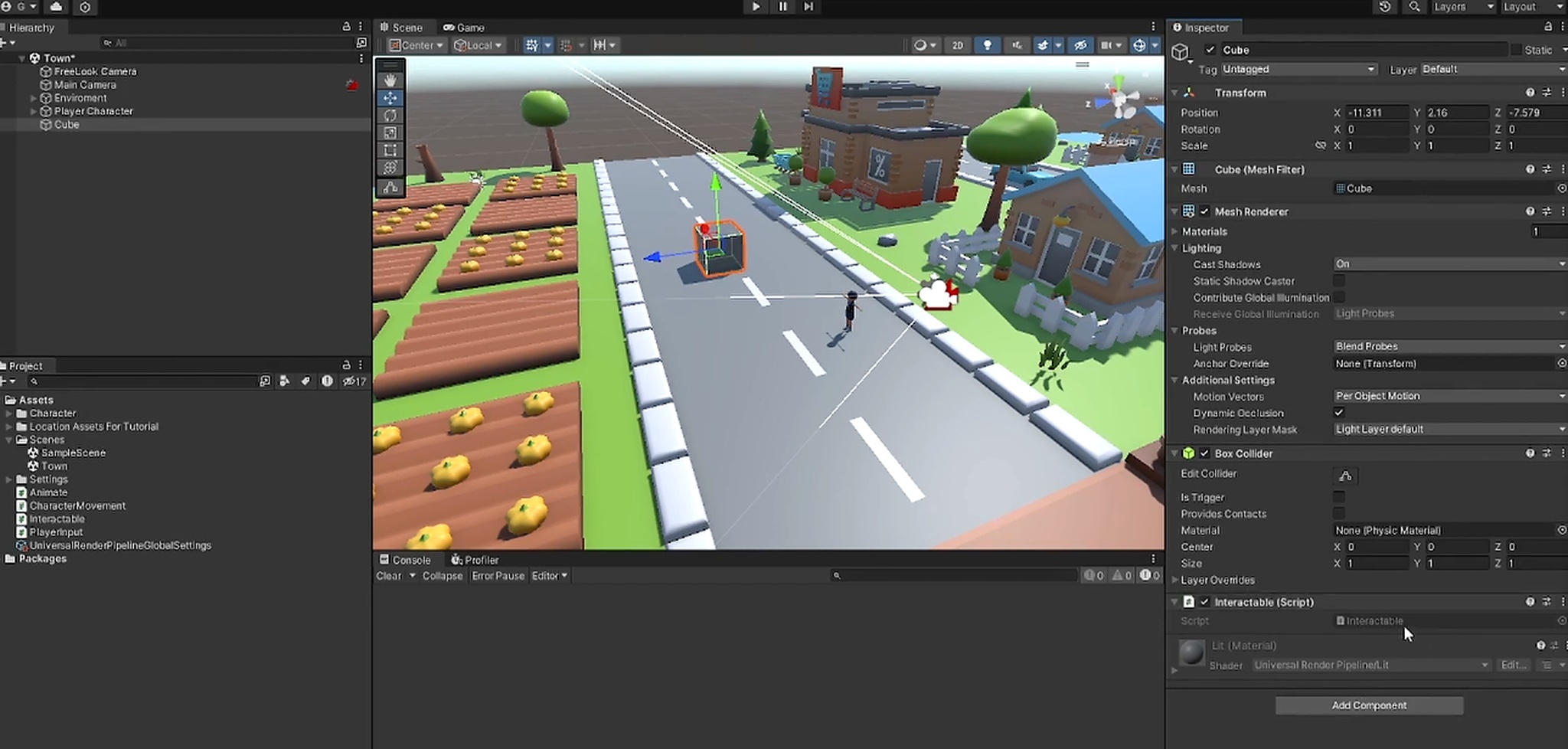
Unity is the most widely deployed engine in game development software for mobile, powering the majority of titles on iOS and Android. After the proposed Runtime Fee was scrapped in late 2024, pricing reverted to a per-seat model. Unity Personal stays free for individuals and studios under $200,000 in combined annual revenue and funding.
Unity Pro increased 5% on January 12, 2026, landing at $2,310 per seat per year or $210/month. That update also removed Havok Physics from paid plans on Unity 6.3 LTS and expanded the free Unity Version Control tier to unlimited cloud seats with 25 GB of storage per organization.
Unity wins for mobile reach, cross-platform pipelines, and talent pool size. Unreal wins for photorealistic 3D output. If your project is mid-fidelity 3D or below, Unity's ecosystem advantage outweighs Unreal's rendering edge.
Unity is the safest default for studios targeting mobile-first or multi-platform releases. The Runtime Fee fallout is a permanent reminder to treat licensing risk as a real budget variable — Godot is now a credible hedge.

Best for:AAA-quality, photorealistic 3D
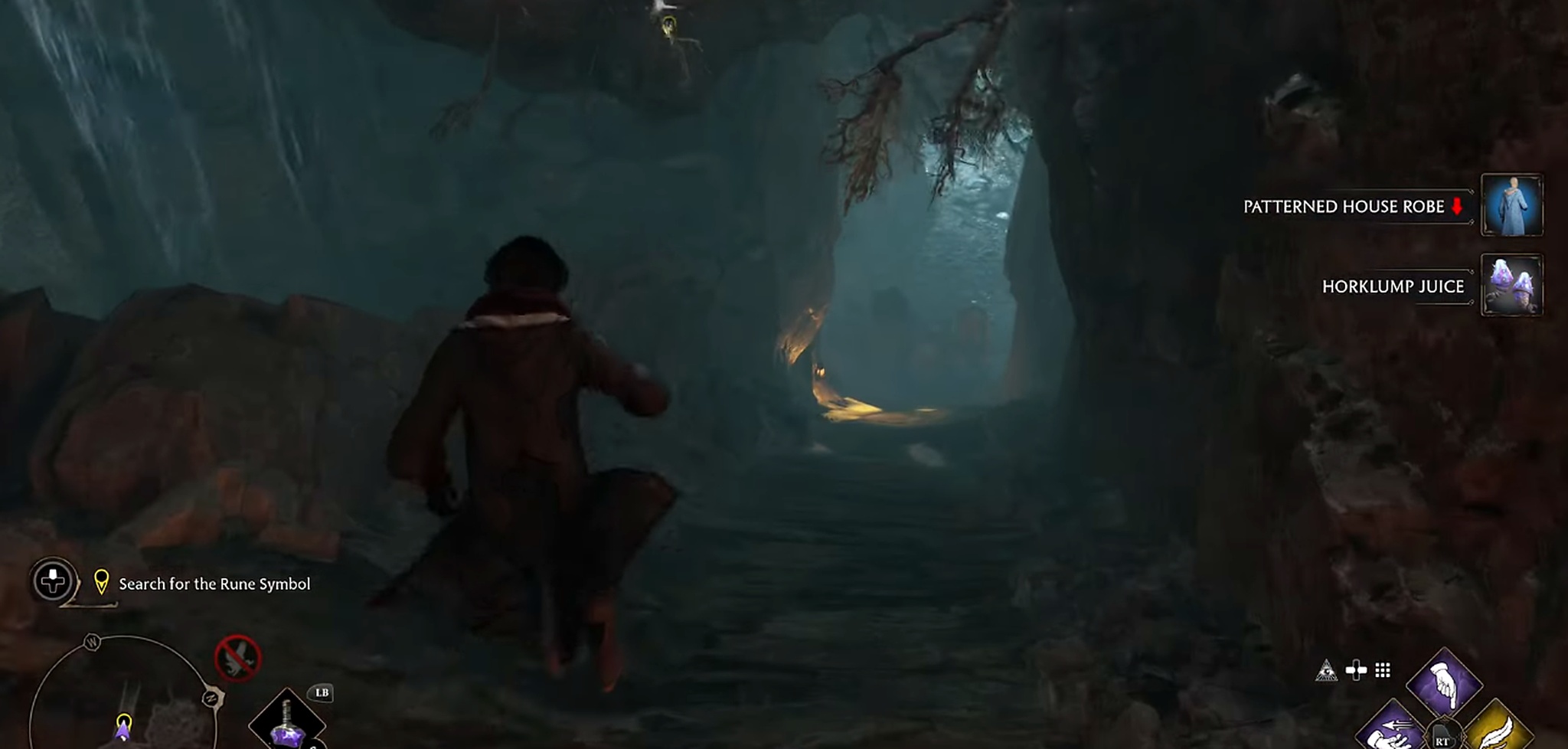
Unreal Engine 5 is the undisputed benchmark among 3D game engines for photorealistic rendering. Nanite (virtualized geometry, eliminating polygon budgets) and Lumen (fully dynamic global illumination) have become the visual standard every other 3D game engine gets compared to.
The engine is free — Epic charges a 5% royalty on gross revenue above $1 million in lifetime earnings per title. Blueprint visual scripting keeps the entry point manageable, though teams doing serious C++ work will feel the learning curve. Minimum recommended specs: 64 GB RAM, modern GPU with 8 GB VRAM for production work.
The correct call for any project where photorealistic visuals are a competitive requirement. Be honest about hardware budget and onboarding time — this engine rewards investment but punishes under-resourcing.
Indie & Mid-Tier Engines
Purpose-built for independent and small-studio production
Best for:Royalty-free, fully open-source 2D/3D development
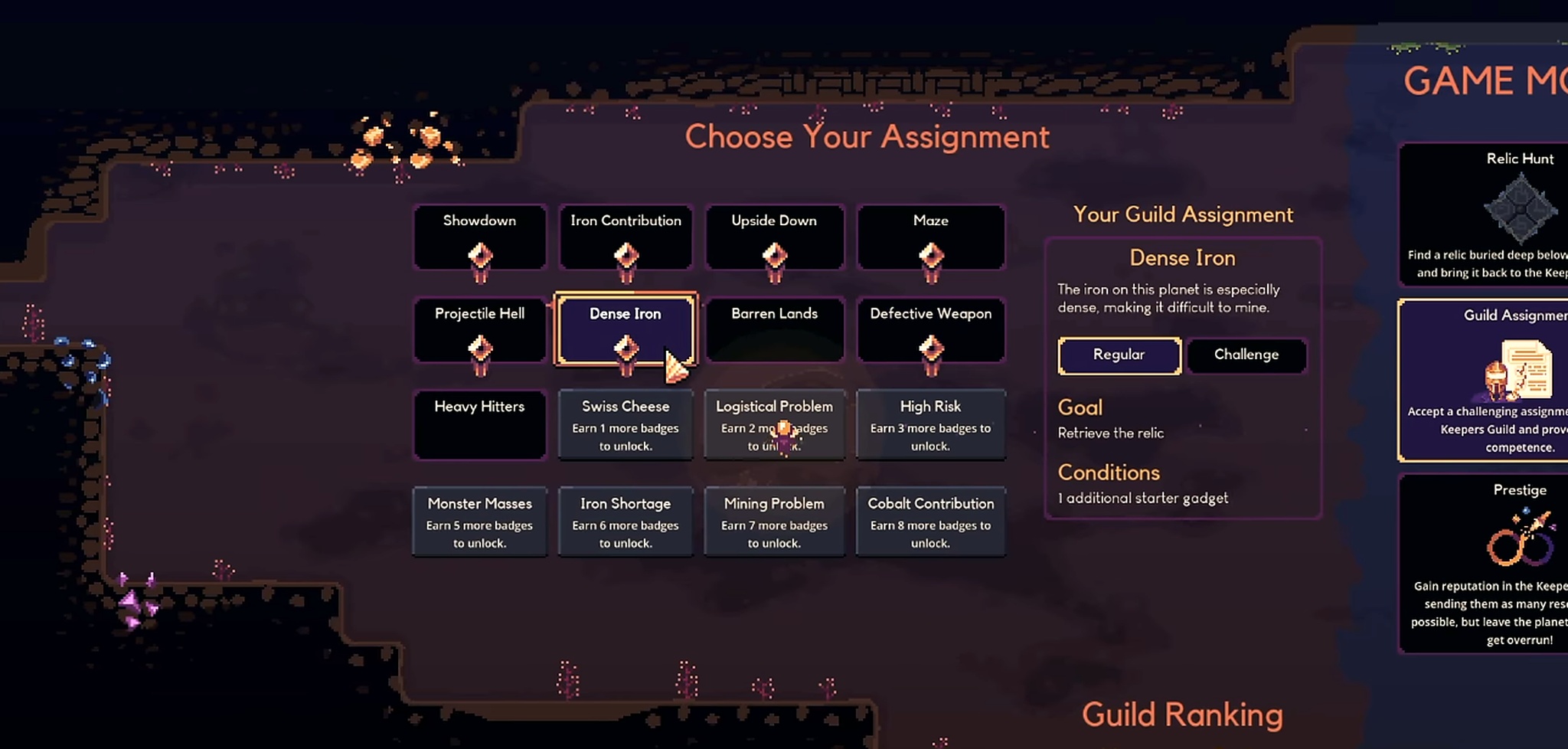
Godot has moved from niche favorite to a default recommendation across game development engines for teams that want zero licensing risk. It is MIT-licensed: no seat fees, no subscriptions, no royalties — ever.
Godot 4.6 shipped on January 26, 2026 (stable: 4.6.3 as of June 2026), with Jolt Physics as the new default 3D physics engine, a redesigned editor theme, and a screen-space reflections overhaul.
The editor download is roughly 100 MB, as compared to Unity at several gigabytes and Unreal at 30+ GB. Critically for mobile publishing, the Godot Foundation has taken over official maintenance of Google Play Billing, Google Play Games Services, and Apple StoreKit 2 plugins, closing the monetization gap that previously pushed developers toward Unity.
Godot has over 90,000 stars on GitHub.
The strongest choice for developers who want full control and zero ongoing cost. 2D performance is excellent and well-proven commercially. 3D is improving fast, but still trails Unreal for photoreal output.

Best for:2D and pixel-art games with commercial ambition
GameMaker is the fastest proven path to a finished 2D game. Its GML scripting language and drag-and-drop visual editor work together — beginners can prototype without code and layer in scripting as complexity grows.
This is one of the best-pedigreed game development software options for 2D specifically. Pricing is tiered by export platform: roughly $79–$799 per year, depending on which platforms you need, with a free trial available.
GML's syntax is more forgiving for artists crossing into code than Unity's C# — the error messages are more readable, and the feedback loop is faster for 2D iteration.
The right call when your project is purely 2D, and you want the proven pipeline that shipped Stardew Valley and Undertale. If cost is a constraint, Godot's 2D tools are a free alternative worth evaluating.
No-Code & Beginner Tools
Visual-first engines requiring no traditional programming

Best for:No-code browser-based 2D games
Construct 3 lets developers build 2D and HTML5 games entirely through visual event sheets — conditions trigger actions, no code required. It runs in the browser, keeping the barrier to entry extremely low, and stands as one of the best pieces of video game making software for beginners with a paid tier.
The Personal plan starts at roughly $99 per year, with higher tiers adding multiplayer networking, custom domain export, and additional layouts. The browser-based editor is the cleanest no-code experience on this list, but some users report stability concerns on larger project scopes.
The most polished no-code editor on this list. Evaluate against the free GDevelop; if $99/yr is viable and you want a cleaner UI, Construct 3 is worth it. Test on a larger project before committing to full production.

Best for:Absolute beginners — free event-based game logic
GDevelop is an open-source, no-code engine built around reusable event logic — actions, conditions, and expressions that chain into game behavior. It is the top recommendation for anyone starting with zero programming experience in 2026, and the best free video game making software for beginners on this list.
The core engine is free; optional paid tiers add cloud builds and collaboration features. It exports to HTML5, Android, iOS, and desktop without configuration. The active community on Discord means answers to beginner questions are always available, which is a key differentiator among entry-level game development engines.
The best free starting point for beginners in 2026. Once you've shipped a project here, the jump to Godot or GameMaker is straightforward.
AAA & Commercial Engines
Full-featured engines used in commercial and studio production
Best for:High-end visual fidelity on a smaller budget than Unreal
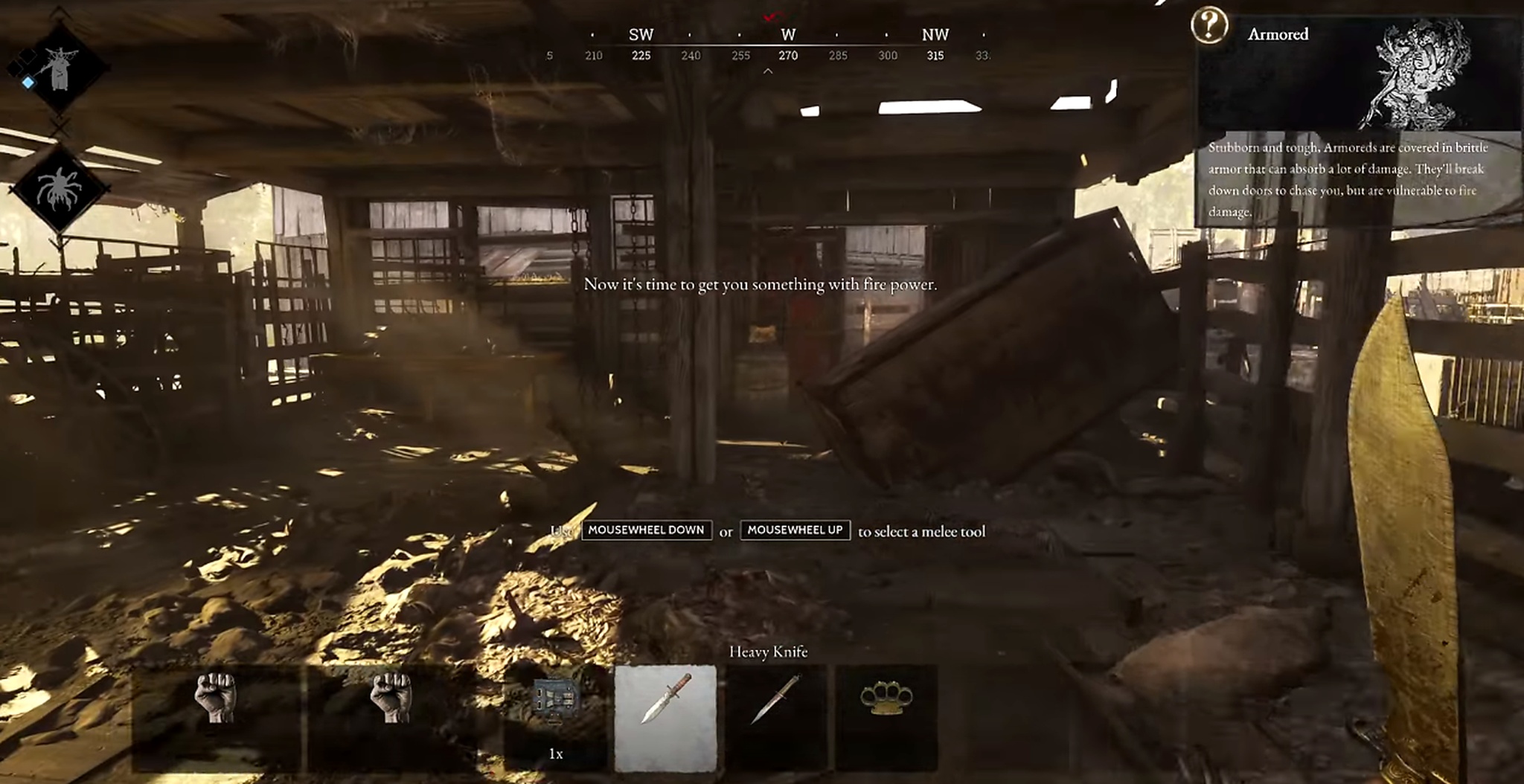
CryEngine offers some of the strongest out-of-the-box visual quality among all 3D game engines on this list, particularly for outdoor environments, natural terrain, and vegetation rendering. Its community and asset ecosystem are considerably smaller than Unity's or Unreal's, and Crytek's commercial licensing terms require direct negotiation.
Free to download for evaluation; commercial deployment requires a custom licensing agreement. As game development software, it remains a niche but powerful tool for studios with specific environmental rendering requirements.
A capable but niche option. Choose it specifically when natural environments are your primary visual challenge and Unreal's pipeline doesn't fit your team's workflow.

Best for:Lightweight mobile and WeChat mini-games
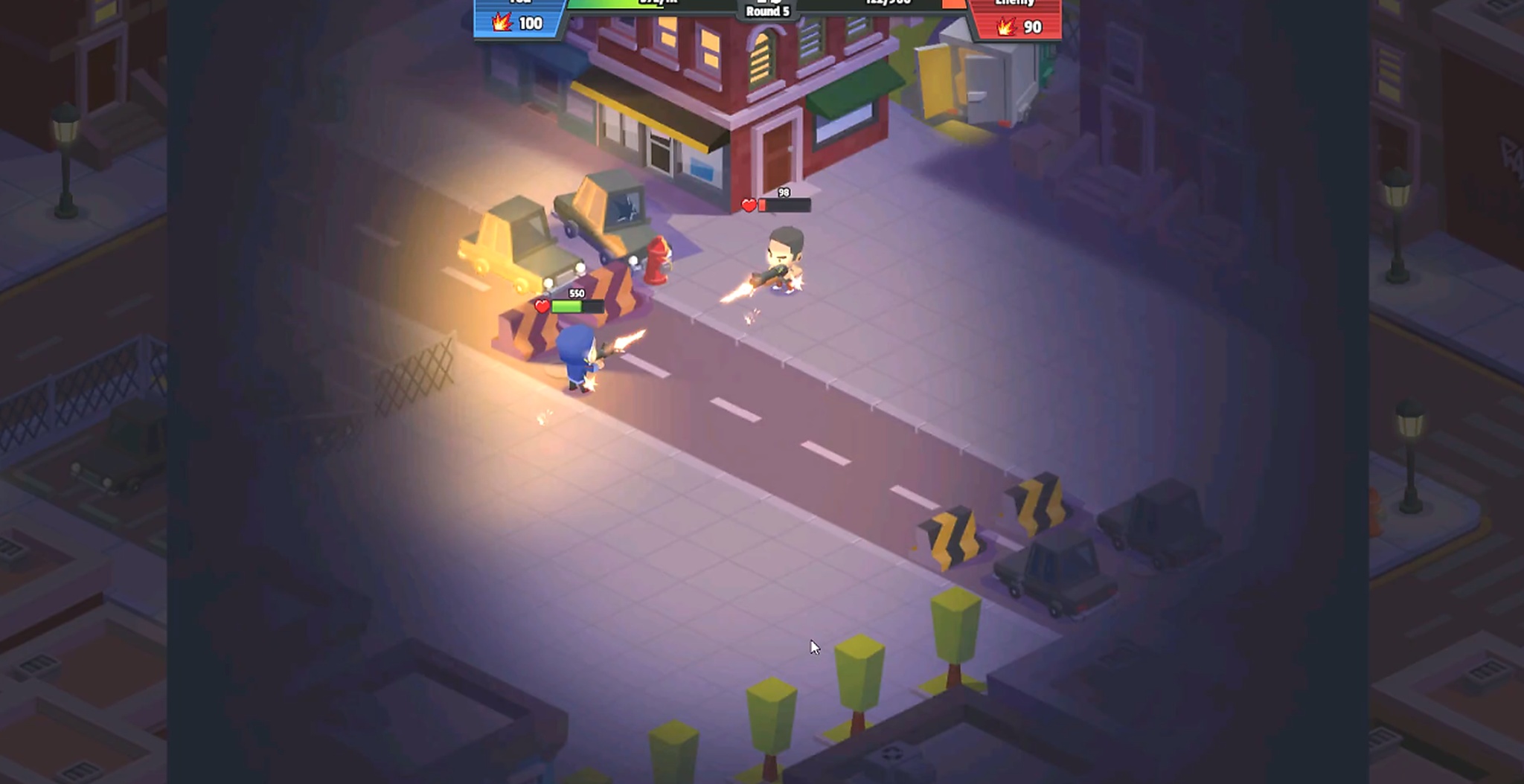
Cocos Creator is the actively maintained successor to the now-discontinued Cocos2d-x (which stopped updates in 2019). Rebuilt around a cross-platform 3D core, it has become the dominant software for game development for WeChat mini-games and lightweight mobile titles in Asian markets.
The core engine is free, with no licensing fees, no royalties. Among game development engines, it holds a near-monopoly in the WeChat ecosystem.
The clear choice for WeChat mini-games or any project where build size is a hard constraint. Less relevant outside Asian mobile markets.

Best for:Lightweight 2D with fast build times and console support
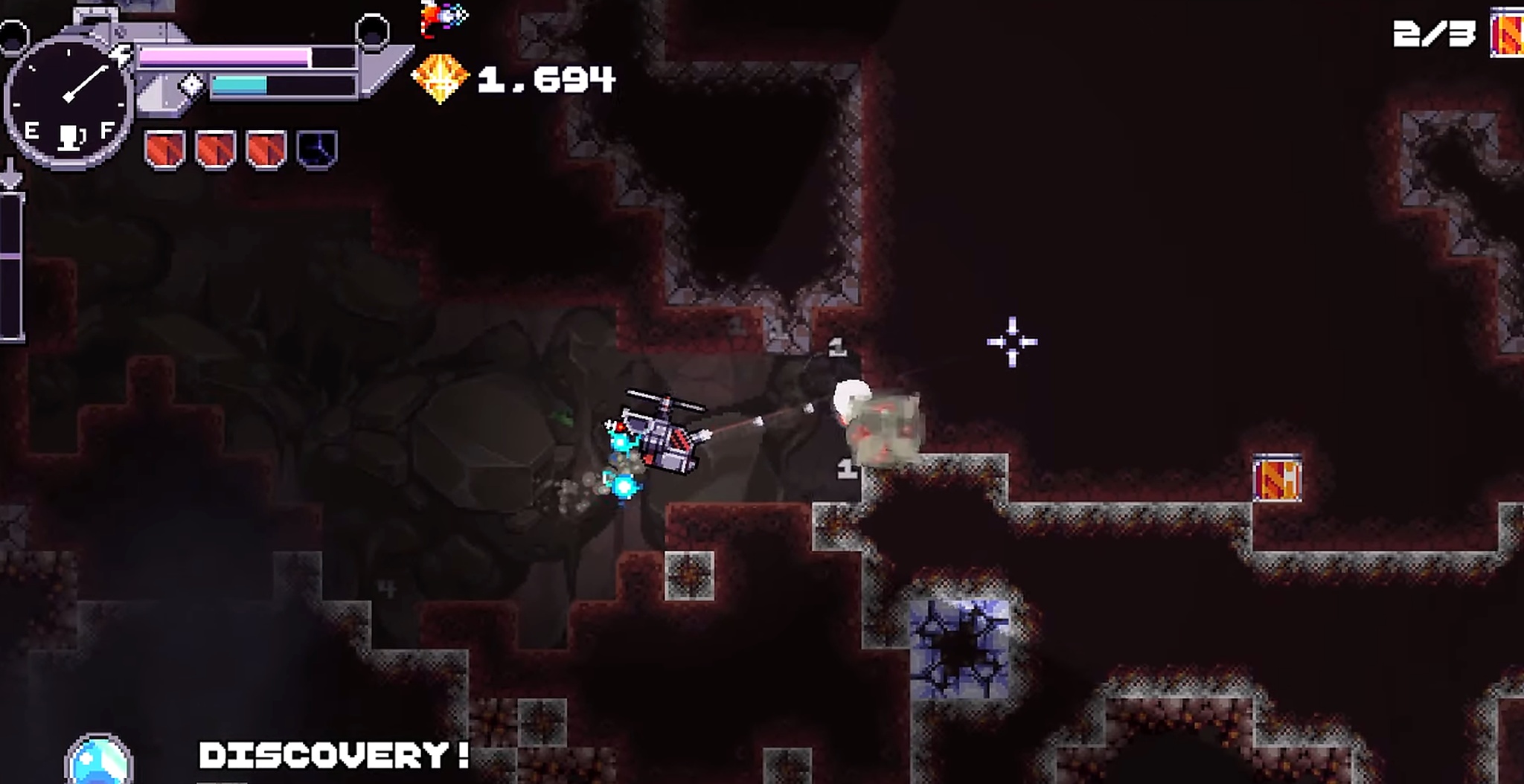
Defold is a free, open-source 2D engine with compact builds and fast iteration cycles, scripted in Lua. It gives more direct code control than Construct 3 or GDevelop without the overhead of a 3D-first engine.
One underrated advantage within 2D game development engines: console export support — unusual among free 2D-focused tools.
The Defold Foundation maintains it; no licensing fees or royalties. The runtime footprint is notably smaller than Godot for 2D-only projects.
A strong pick for developers comfortable with Lua who prioritize performance and build speed. The console export support makes it the only free 2D engine worth evaluating for that target.
Specialist & Platform-Specific Tools
Engines and tools with a defined niche use case

Best for:Social and user-generated content games
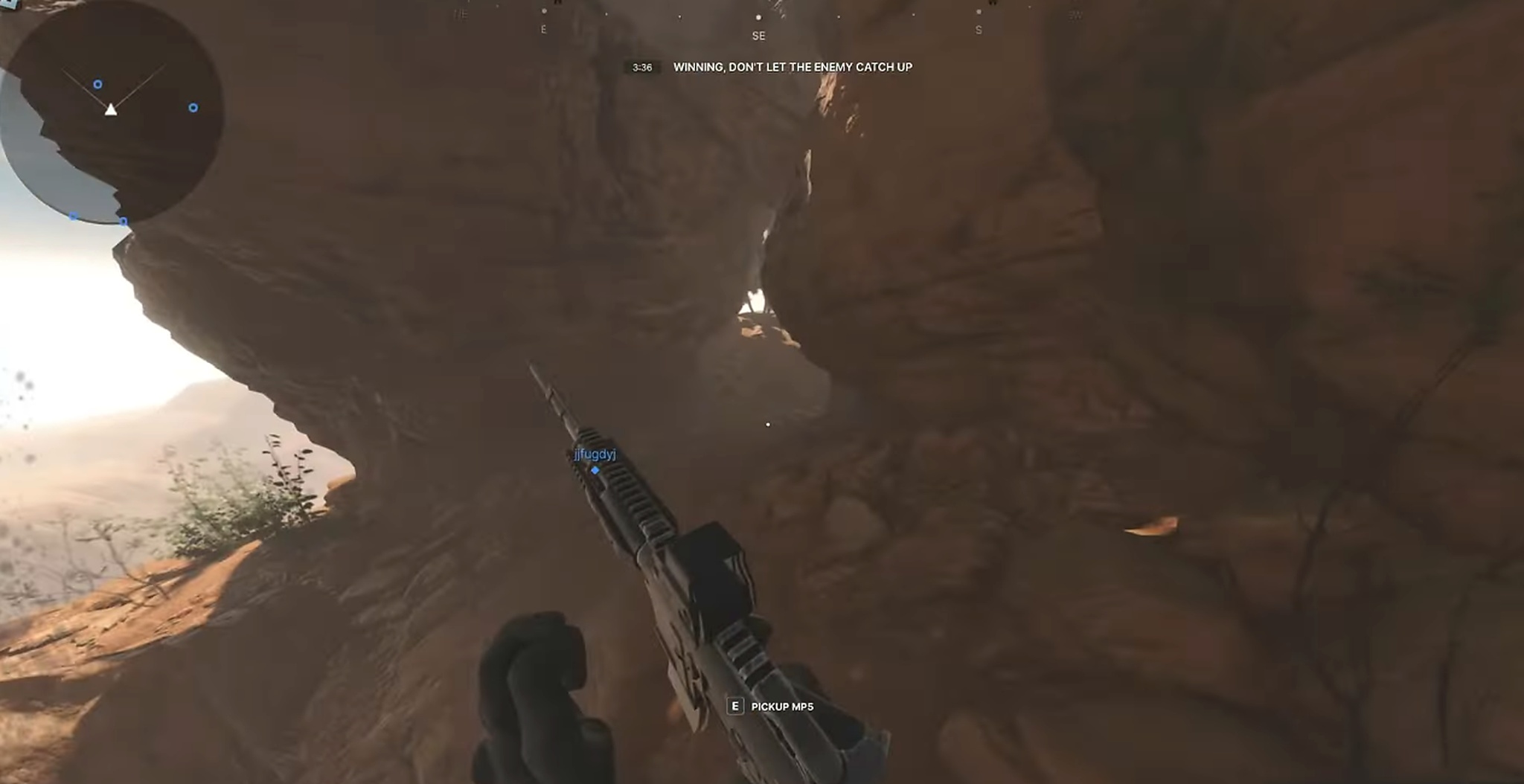
Roblox Studio is the dominant tool for building social, multiplayer-first experiences within the Roblox platform ecosystem, using the Luau scripting language (a typed superset of Lua).
Monetization runs through Robux revenue share rather than traditional licensing. The draw is Roblox's 380 million+ registered user base — built-in distribution at a scale no independent game development software can replicate. This is less a general-purpose engine and more a distribution strategy decision.
The right choice if distribution within Roblox's audience is central to your strategy. Not appropriate as a general-purpose engine — you're building within their ecosystem, not owning your distribution.

Best for:Narrative-driven, sprite-based RPGs

RPG Maker is the go-to software for game development for narrative-heavy RPGs, with built-in databases for characters, skills, items, armor, and tilesets that dramatically reduce asset-creation time.
JavaScript scripting via RPG Maker MZ's plugin system is available for developers who want deeper customization. It sells as a one-time purchase — usually $25–$80 on Steam, depending on version and sale cycles, making it one of the lowest-cost options on this list over time.
Unmatched for solo developers building story-driven RPGs without a dedicated art or programming team. If your game is a narrative RPG first, nothing on this list gets you to a playable prototype faster.

Best for:3D character and asset pipeline (not a standalone engine)

Maya is not a game development engine; it's the industry-standard 3D modeling, rigging, and animation tool that feeds assets into engines like Unity and Unreal on AAA productions.
Standard commercial pricing runs roughly $235/month or $1,875/year, with a heavily discounted Indie tier at roughly $305/year for studios under $100K in annual revenue. It's the default choice for character rigging and animation in any high-end pipeline, which is not a substitute for the game development engines above.
Not a competitor to anything else on this list — it's a pipeline tool, not an engine. Budget for it separately if your project needs custom 3D character work feeding into Unity or Unreal.

Best for:Simple 2D games without coding
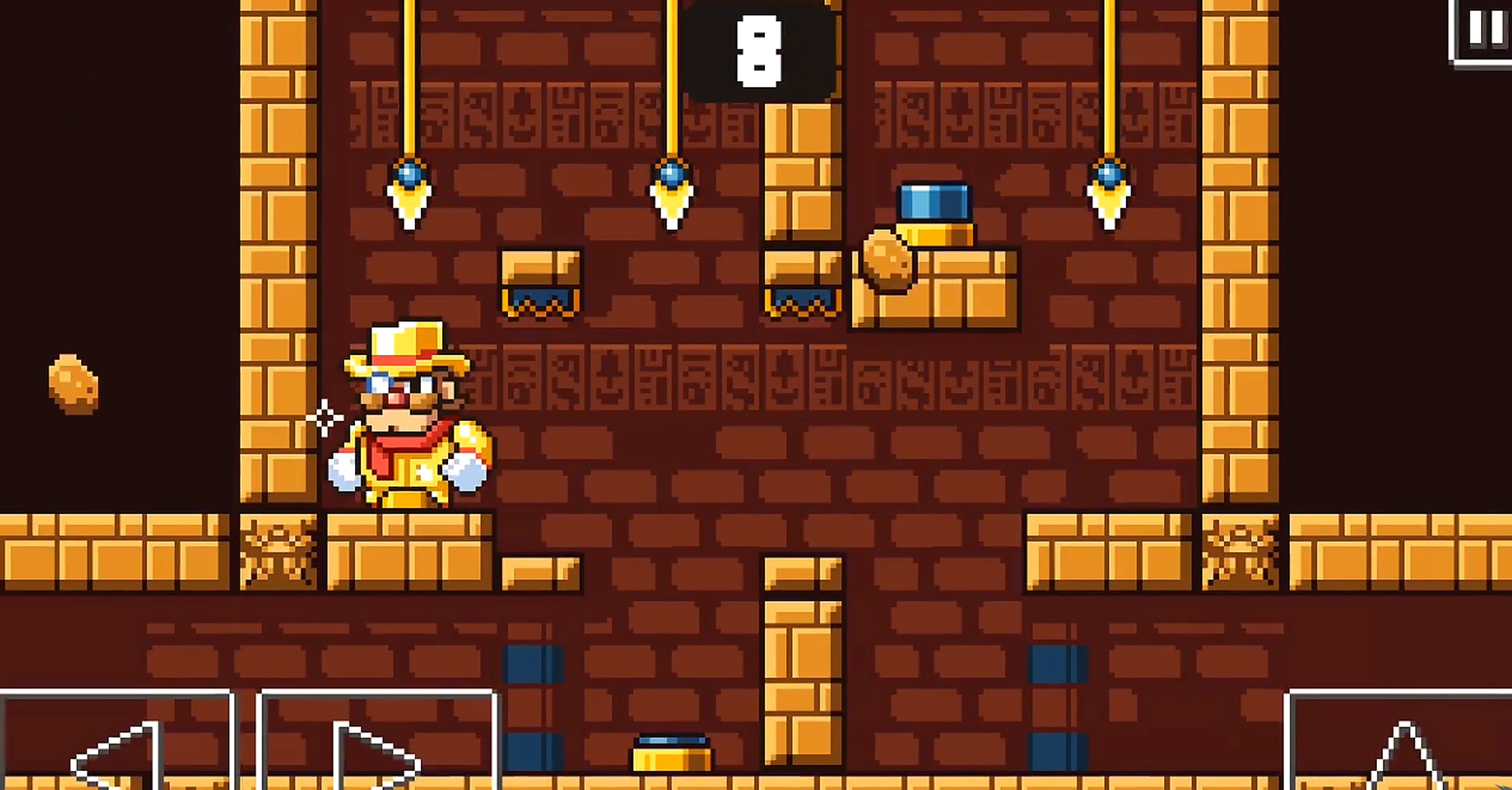
Stencyl offers a drag-and-drop game-building experience using visual code blocks, very similar in concept to MIT Scratch, with optional Haxe scripting for users who want to go deeper.
There's a free tier for web-only publishing, with paid plans unlocking desktop and mobile export. As video game making software for beginners, GDevelop and Construct 3 have both grown their communities significantly faster over the past two years — Stencyl sits third in this category by activity and momentum.
A viable entry point, but GDevelop is free, more actively maintained, and has a larger community in 2026. Hard to justify Stencyl unless you specifically prefer its block metaphor.

Best for:Enterprise simulation and cloud-native 3D applications

O3DE (Open 3D Engine) is a Linux Foundation project, spun out of Amazon's Lumberyard engine, built for high-fidelity 3D simulation, training applications, and cloud-native multiplayer at enterprise scale.
It sits at the specialist end of 3D game engines, and is fully open source with an Apache 2.0 license, no royalties, no seat fees, no revenue thresholds. The tradeoff is a smaller community than Unity, Unreal, or Godot, and a steeper setup curve aimed more at engineering teams than solo indie developers.
A specialist pick for enterprise simulation, training, and cloud-native multiplayer projects. Most indie and commercial teams are better served by Godot or Unreal, which have larger communities and gentler onboarding.

Best for:Rapid hyper-casual mobile prototyping
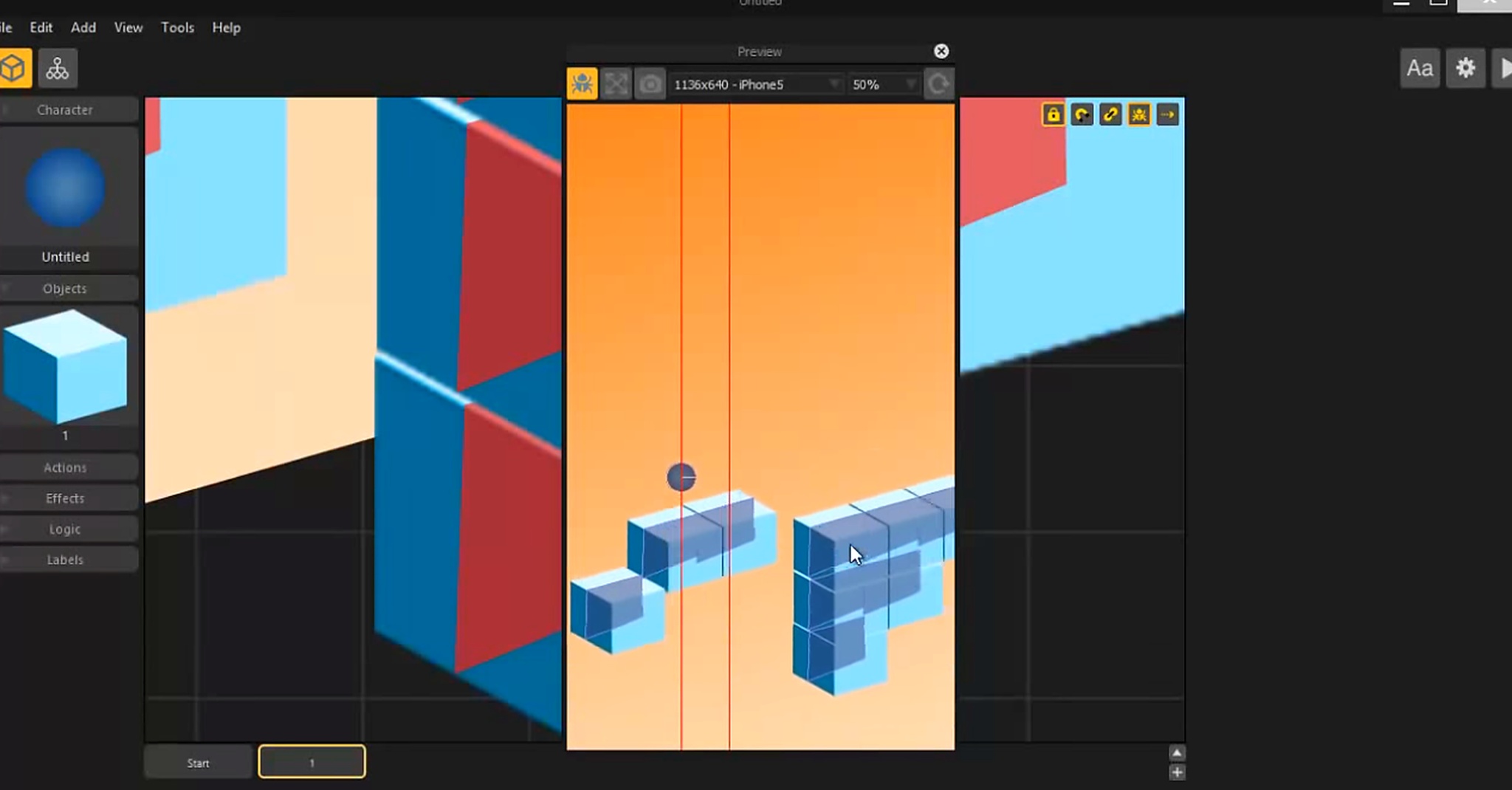
Buildbox is built entirely around speed — a fully visual, no-code workflow targeting hyper-casual and casual mobile game development software prototyping. Subscription pricing runs roughly $15–$60 per month, depending on tier.
Buildbox 4 added a text-to-game AI feature for generating prototype mechanics from a text prompt, which is genuinely useful for concept validation before committing to a full engine. Built-in monetization integrations and one-click publishing target the hyper-casual pipeline specifically.
Useful for rapid concept validation in the hyper-casual mobile space. Most teams graduate to Unity or Godot once a prototype proves out.
Truth be told, there's no single "best" game development software, only the best fit for your project, team, and budget. If you're shipping mobile-first, start with Unity. If photorealistic 3D is the goal, go straight to Unreal Engine 5, the most capable of the 3D game engines covered here.
If you want zero licensing risk and full control, Godot 4.6 is the strongest free option in 2026. And if you've never written a line of code, GDevelop or Construct 3, which is the best video game making software for beginners on this list, will get you to a finished prototype fastest.